Calorie tracking with weekly analysis and reminders
Once you mark every meal of the week, your analysis is prepared on its own, and after four weeks your monthly summary arrives. You also set meal, water and activity reminders for whatever time you like.
 (opens in a new tab)
Free
(opens in a new tab)
Free



Get past the drop-off point.
Quitting tracking is easy. YiYo does two things that make it harder.
Weekly nutrition analysis
The analysis arrives on its own
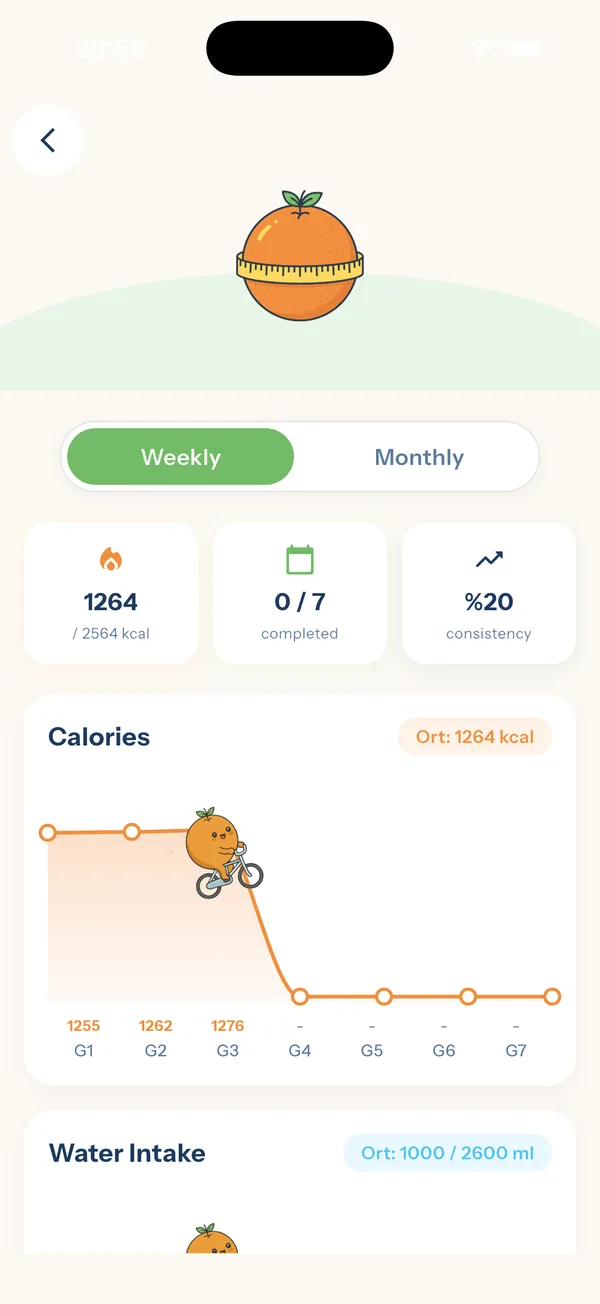
Once you've marked every meal of the week, your weekly analysis is ready. After four weeks, a monthly summary: calorie and macro trend, weight change, how closely you followed the plan.
What will you see in the analysis?
You see the week's calories alongside your target. Your daily calories and water intake appear day by day on a chart, so you can tell at a glance how the week went.
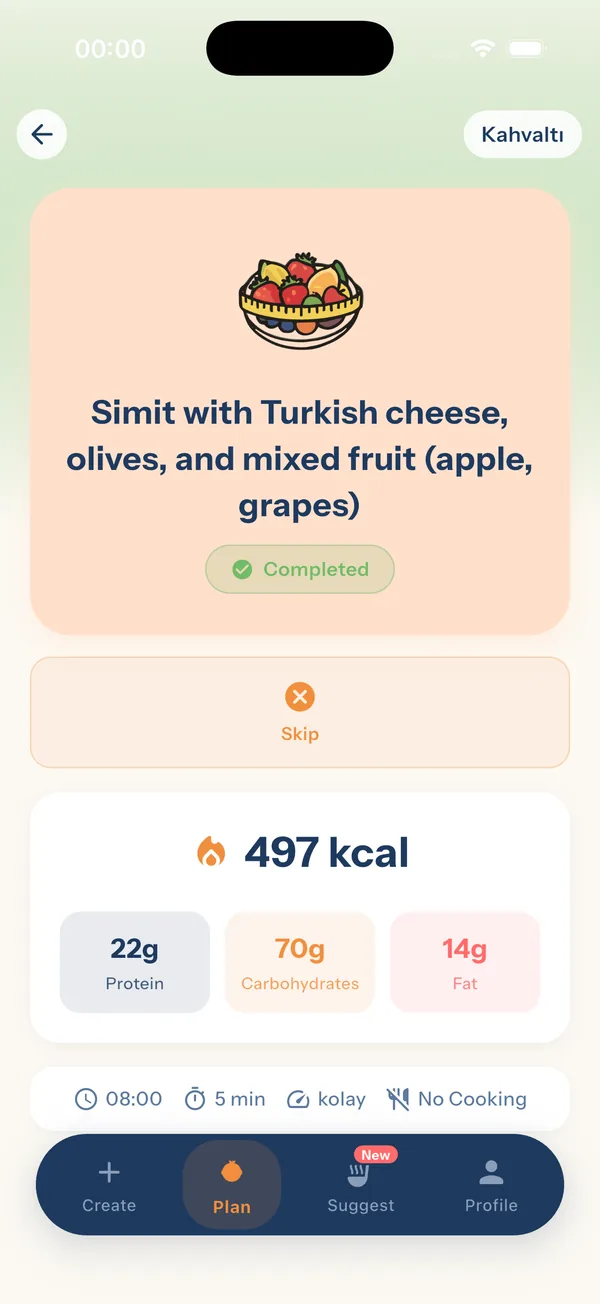
If you ate something outside the plan, photograph your plate or scan the package barcode. The result is written to your meal record, so off-plan meals count in your calorie tracking too.

A monthly summary after four weeks
After four weeks, your monthly summary is prepared. The weekly analysis shows a single week; the monthly summary pulls together how the month went overall.
- Calorie and macro trend: how your calorie intake and your protein, carbs and fat trended over the month.
- Weight change: which way your weight went during the month.
- Sticking to your plan: how closely you stuck to the meals in your plan.
Some days are up, some are down. The monthly summary brings the month's overall direction together in one place.
Your weekly and monthly summaries also come with commentary written by AI. This commentary is for information only; it is not a substitute for medical advice, diagnosis or treatment.
Meal and water reminders
You set the reminders
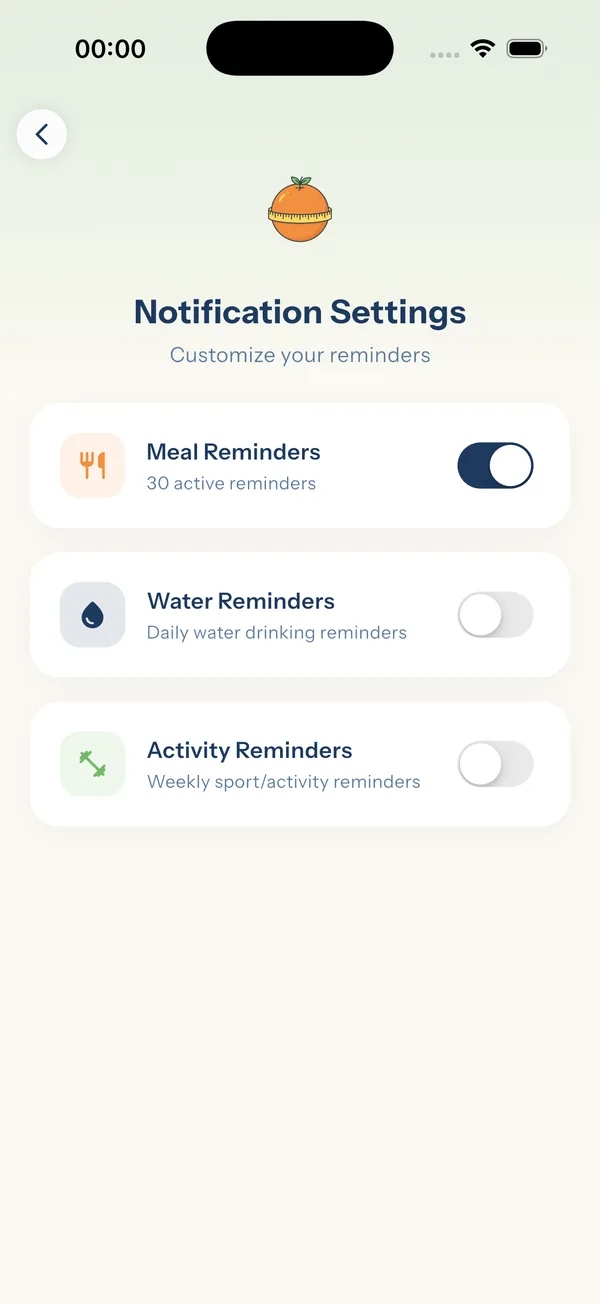
Meal, water and activity reminders. Which ones are on and at what time: you choose, and you turn off the ones you don't want.
There are three separate reminders in the notification settings. You turn each one on or off individually: you can keep only the water reminder on and turn meal notifications off.
Your times stay on your phone
Reminders are scheduled on your device. Your notification times are not sent to the server; they're kept only on your phone.
You don't need to delete your account to stop notifications; just turn them off in the app's notification settings.
When the week ends, the next one is ready
If you chose a monthly plan, the next week is built automatically when you close out the current one. You start the new week with a ready plan, not a blank page.





















Start today.
The moment you finish the questions, your first weekly plan is ready. Free.
On a computer? Scan it with your phone's camera and the App Store page opens.
YiYo is not a health institution, a dietitian or a medical doctor. The plans it offers are for information only and do not replace medical advice. During pregnancy or breastfeeding, and for people with kidney disease, diabetes that requires medication or insulin, or a history of eating disorders, the app should only be used under the supervision of a doctor or dietitian.